
How to Check Your UCR Registration Status Online
Need proof of UCR compliance for a roadside inspection or a new contract? Here is the fastest way to verify your status.
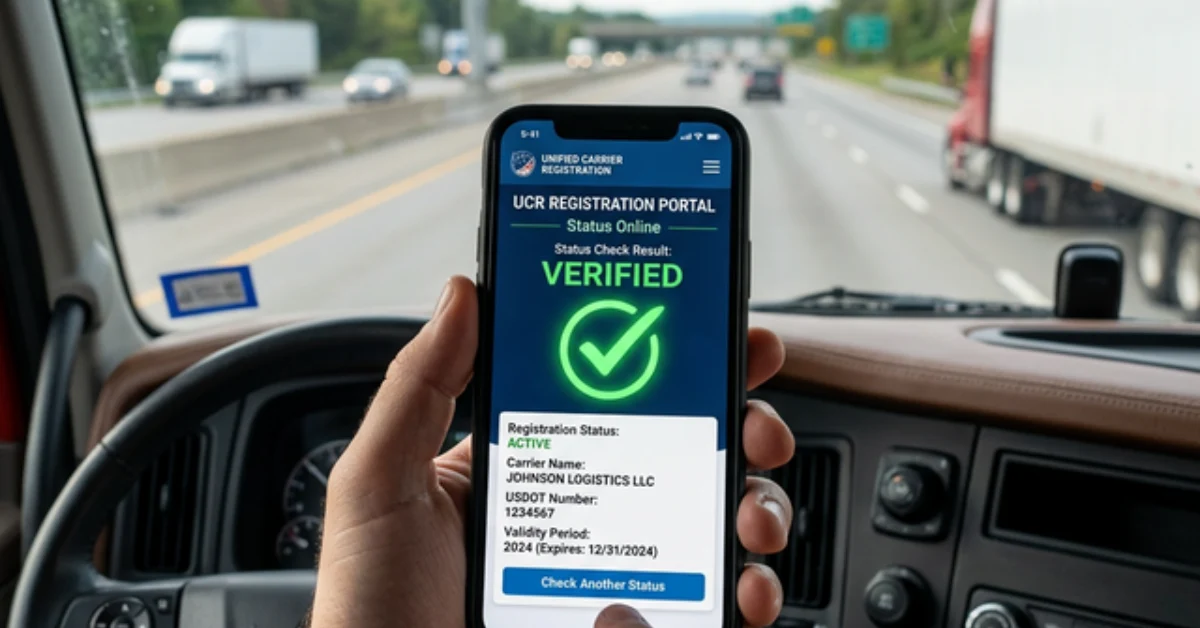
🔍 Instant Verification
Need to know if you're legal for the road right now? Checking your UCR status takes less than 60 seconds if you know where to look.
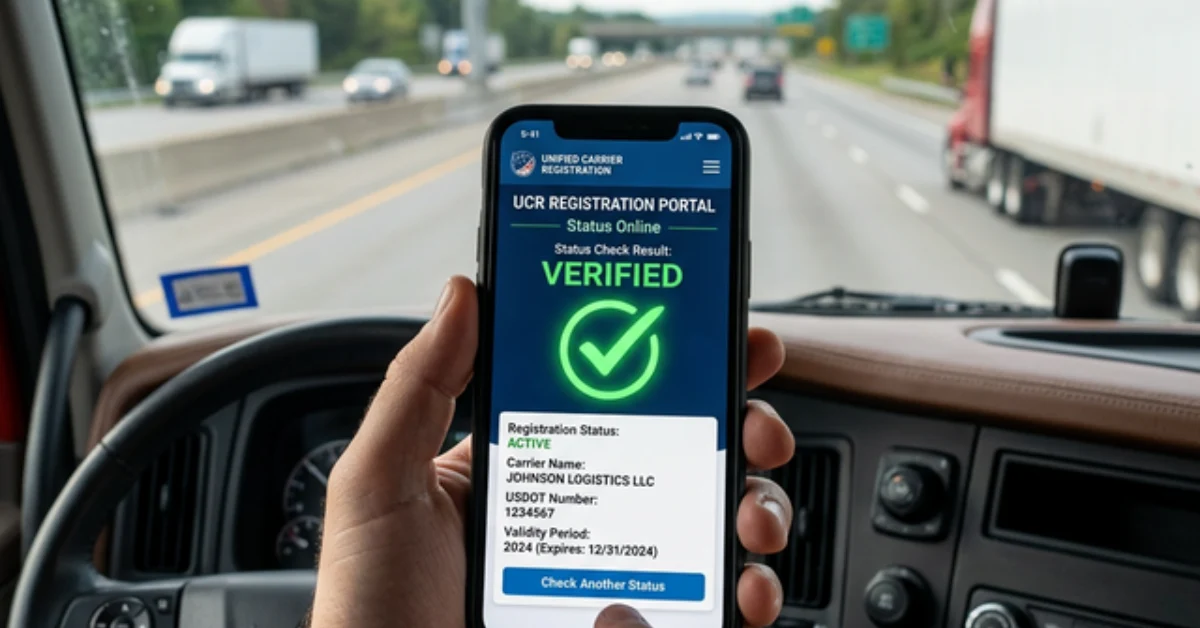
In the trucking industry, proof is everything. Whether you're at a weigh station or signing a new contract with a major broker, you need to be able to prove your UCR (Unified Carrier Registration) is active and current. Fortunately, the era of carrying bulky paper certificates is over—verification is now purely digital.
Why You Should Check Your Status Regularly
System errors, clerical mistakes, or expired credit cards can lead to a registration status being marked as "Not Paid" despite your best efforts. Checking your status once a quarter ensures you're never surprised by an enforcement officer.
Steps to Verify Your UCR Status
Locate Your USDOT Number
You only need your 7 or 8-digit DOT number to perform a check.
Use the Official Portal
Access the national UCR registry or a trusted third-party compliance tool.
Verify the Year
Ensure the registration is showing as 'Success' for the current calendar year.
What to Look For
A valid registration will show a status of "Current" or "Paid". If you see "Incomplete," "Expired," or "No Record Found," you are at risk of immediate out-of-service orders.
Instant Status Check
Enter your USDOT number below and our system will instantly verify your UCR, IFTA, and BOC-3 compliance.
Article Topics
Written by QuickTruckTax Compliance Team
Our team of industry experts and tax professionals works tirelessly to bring you the most accurate and up-to-date information regarding IRS Form 2290 and trucking compliance for the 2026 tax year.

Form 2290 guides & tools
Guides, checklists & tools for Form 2290